





Price: $48.97 - $45.89
(as of Oct 31, 2025 13:41:59 UTC – Details)
Product Description
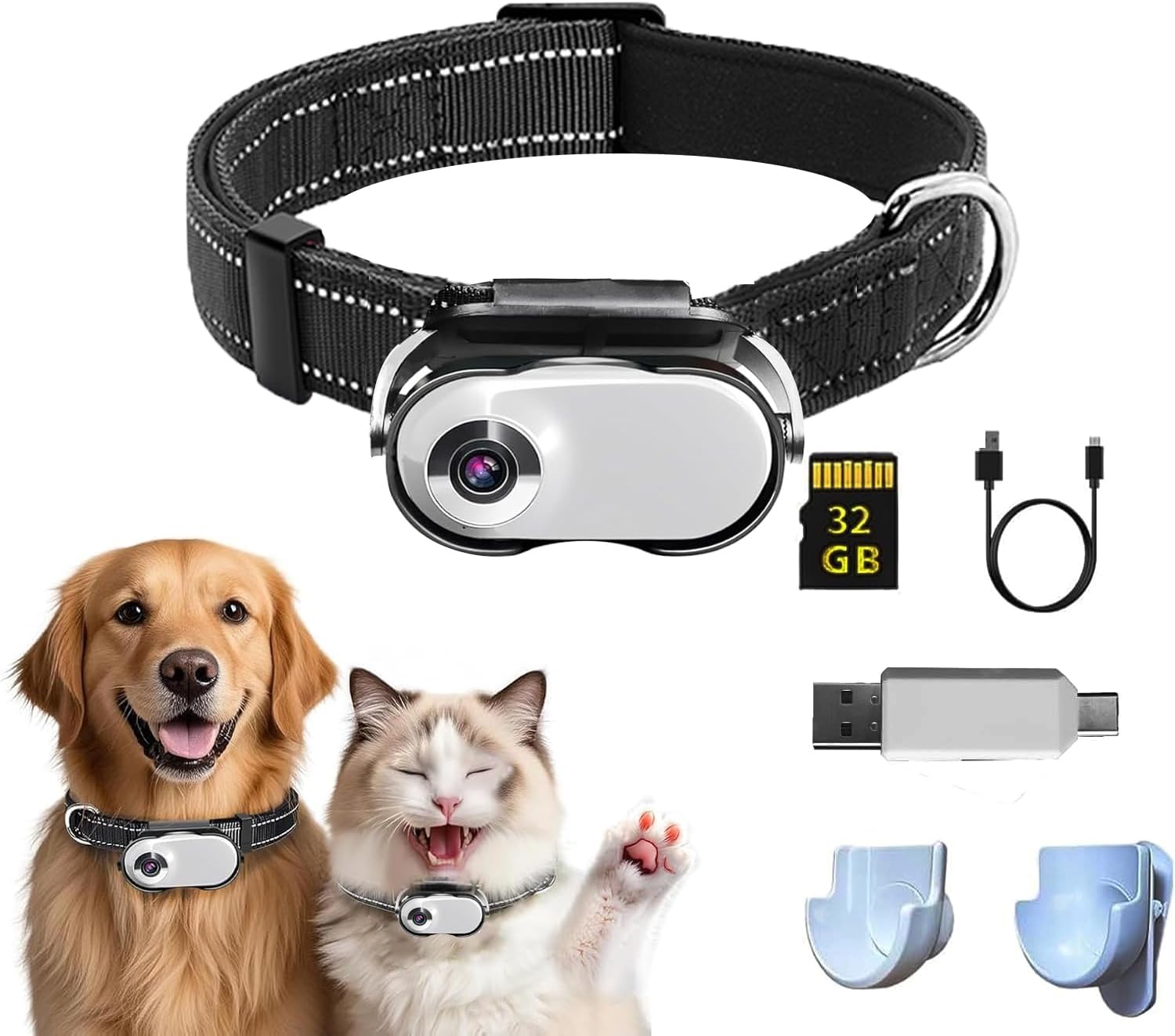
This cat collar camera features 1080p HD resolution, delivering crisp, vibrant, and stable footage to perfectly capture your pet’s adventures. Whether it’s playful moments at home, mealtime cuteness, or outdoor explorations like running and sniffing, the high-definition quality ensures every detail is preserved.
Key Features
- 1080p HD Quality: Capture the world from your pet’s perspective with crisp, vibrant, and stable footage.
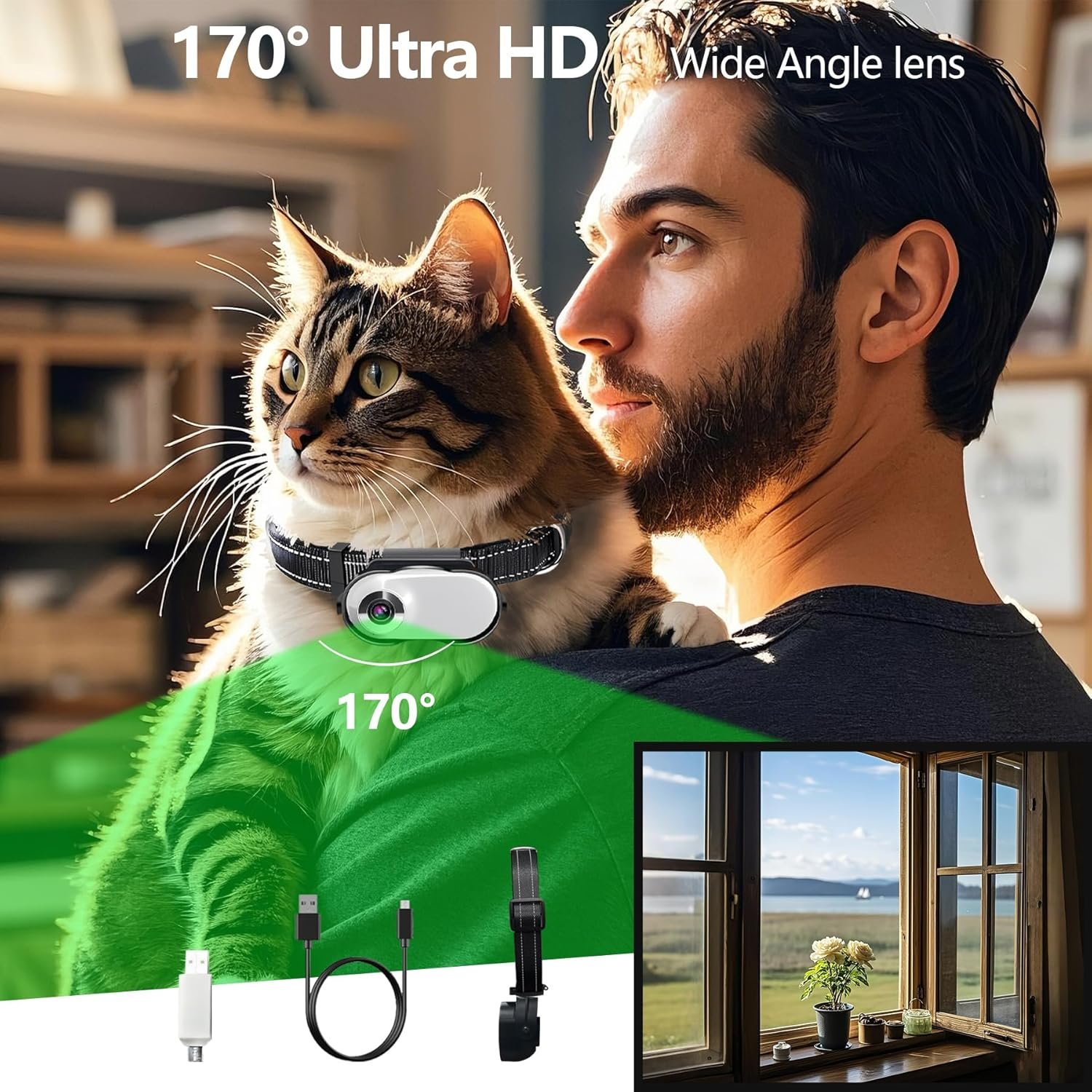
- 170° Ultra-Wide Angle: Broader view, fewer missed moments, and natural-looking edges.
- Secure Clip Design: Effortless attachment to pet collars, staying firmly in place even during vigorous activity.
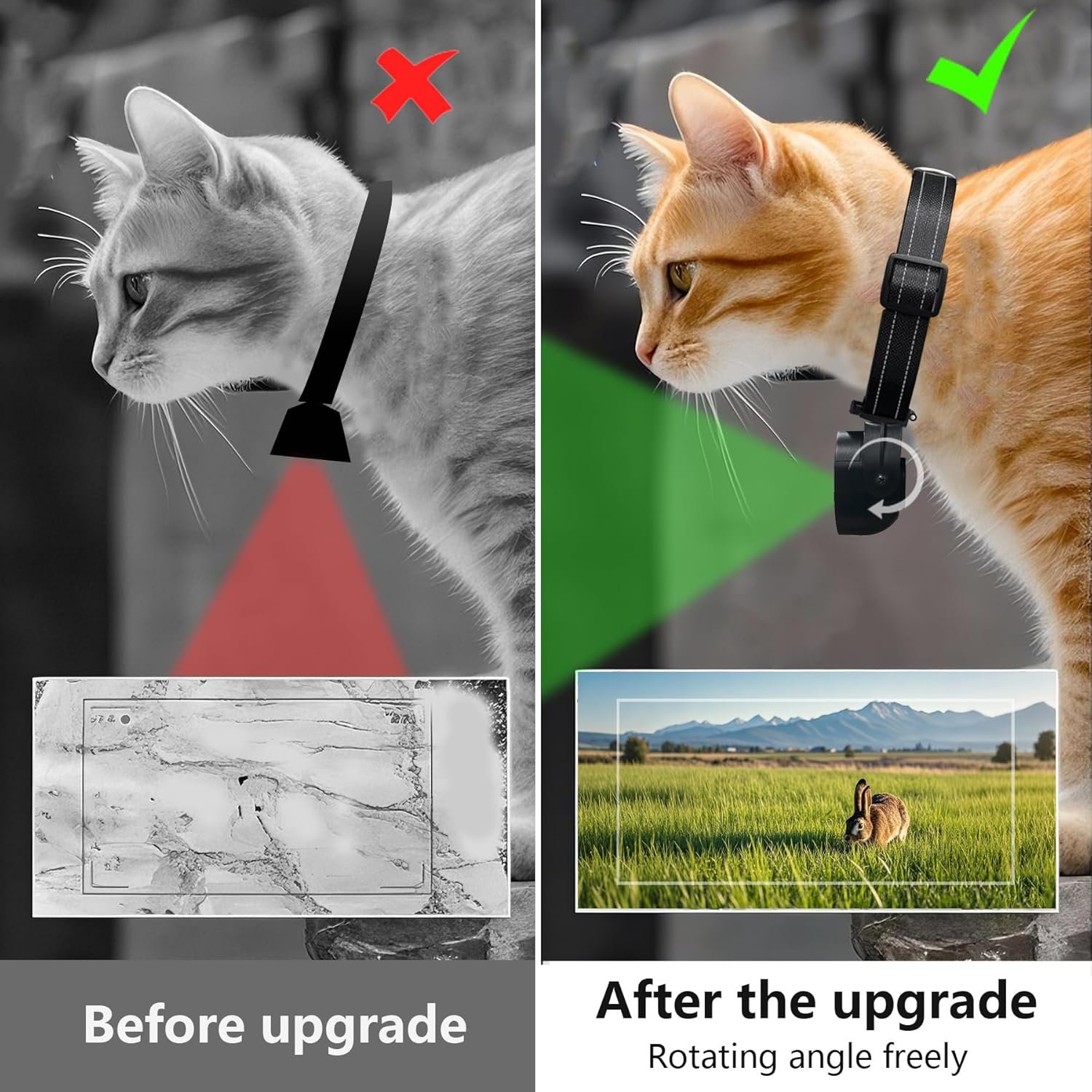
- 360° Rotatable Clip + 1/4″ Nut Shell: Versatile for any adventure, attaching to clothing, backpacks, or hats for dynamic first-person shots.
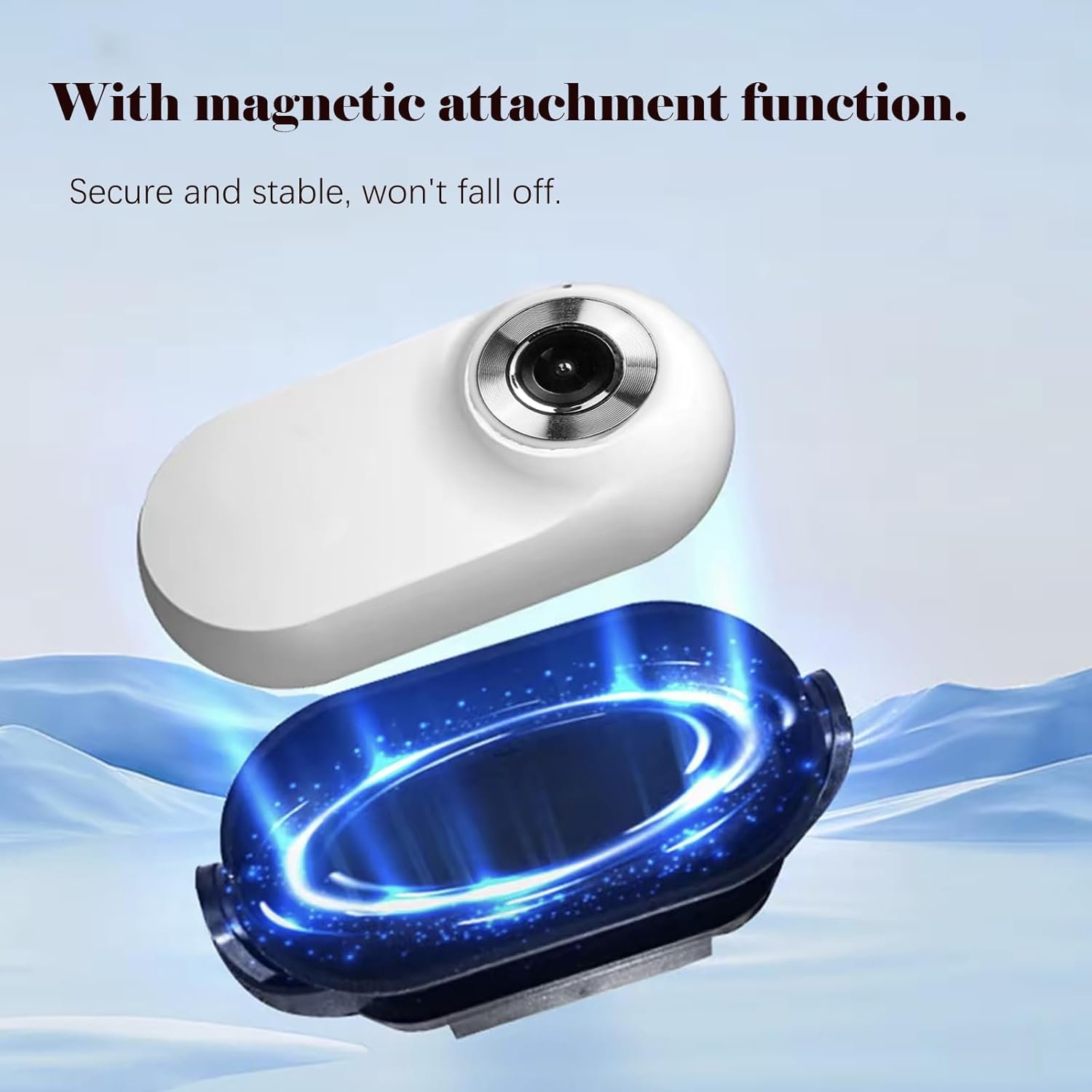
- Anti-Loss Magnetic Design: Stay secure, no matter the adventure, with a powerful magnetic lock and lightweight, durable shell.
Technical Specifications
- Screen: 0.96”
- Video format: AVI
- Video resolution: 1920*1080P
- Picture resolution: 3760*2128
- Video Frame rate: 30FPS
- Picture format: JPG
- Image Ratio: 4:3
- Battery capacity: 350mAH
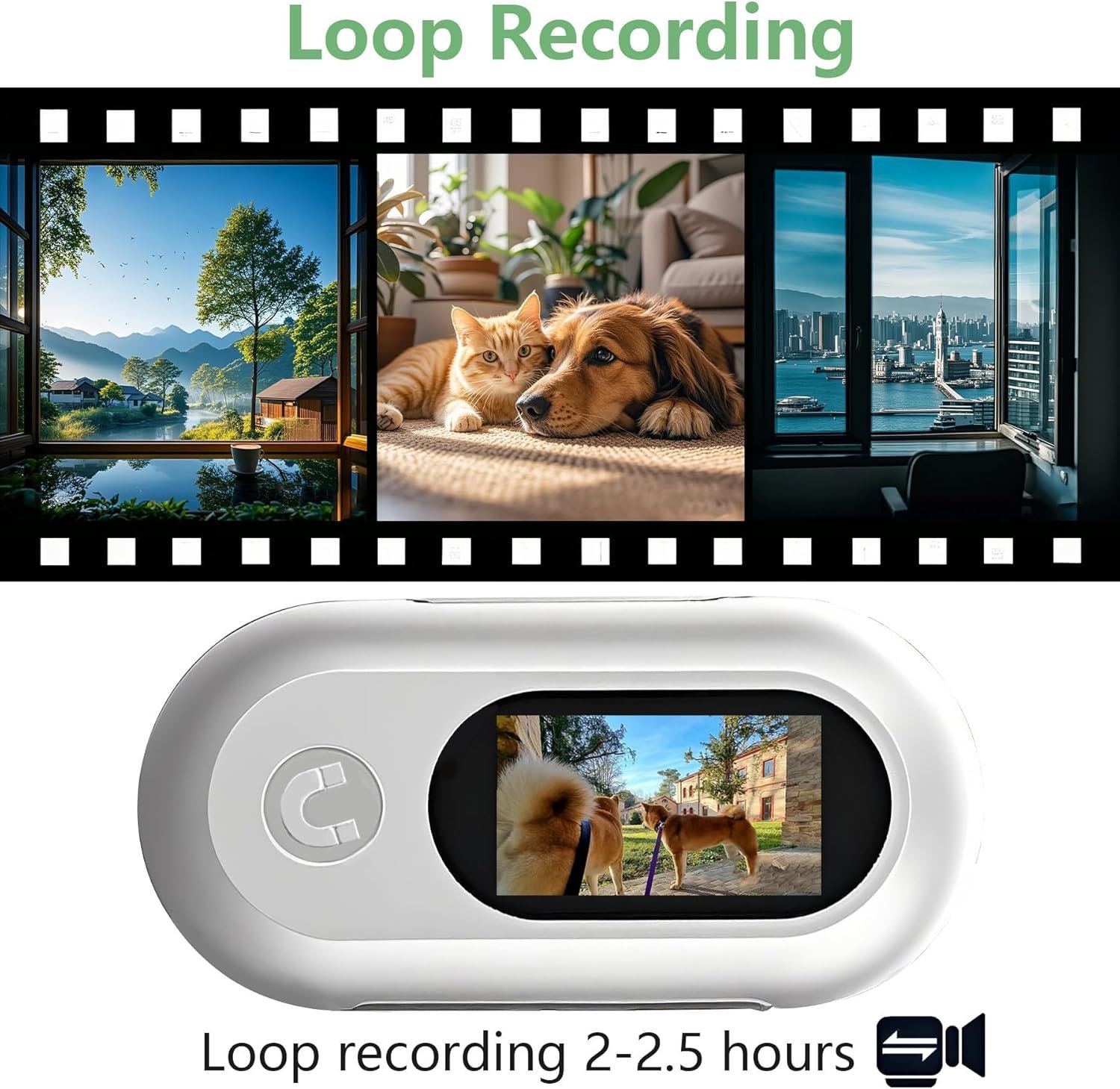
- Working time: 120min
- Charging voltage: DC-5V
- Storage: TF card
- Battery type: Polymer
Pros
This cat collar camera is ideal for pet owners and social media creators, perfect for editing into engaging short videos to share online and grow your audience. It’s also great for monitoring your pet remotely, documenting training progress, or tracking their movements in unfamiliar environments.
Cons
Apple devices cannot play videos stored on a memory card, but this can be solved by downloading and installing a third-party app like VLC for Mobile or converting the AVI video to MP4 format using software like HandBrake.
INCLUDED ACCESSORIES
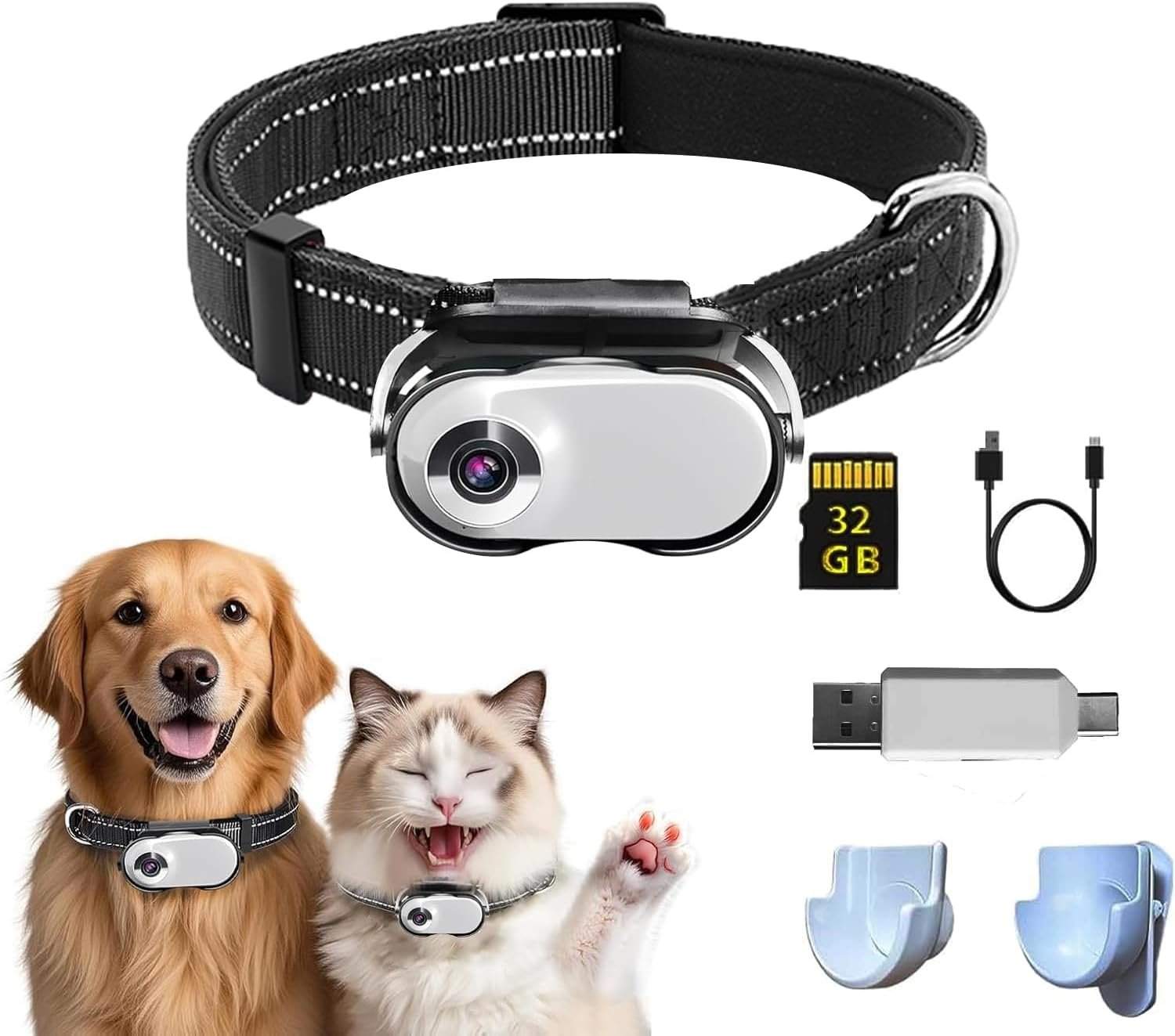
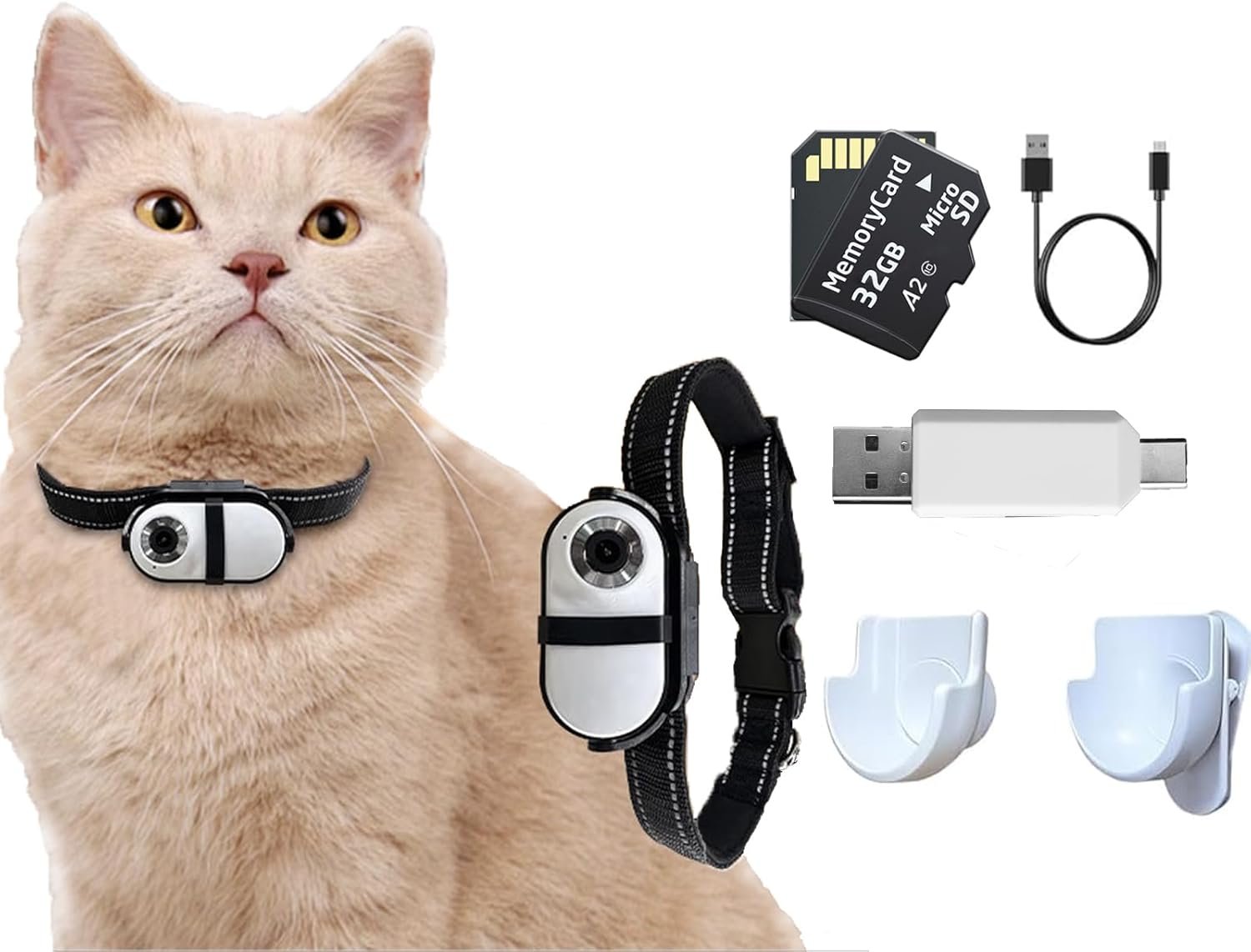
Wireless Mini DV Camera, 32GB High-Speed Memory Card, Nylon pet collar*2, back clip, 360° Rotatable clip, 1/4″ nut bracket, USB Cable, SD Card Reader, User Manual.
Troubleshooting
- Difficulty Adjusting the Tripod for the First Time: Firmly hold the tripod and apply gradual pressure to adjust it to the desired angle.
- Tripod Becomes Loose and Drops Over Time: Use a screwdriver to tighten the screws on both sides in a clockwise direction to ensure stability.
- The initial time is inaccurate: Locate the “Set Time” file on your phone or computer (from the USB drive). Manually enter the current time— this will sync the display and recorded videos with real-time.












Reviews
Clear filtersThere are no reviews yet.