




Price: $39.99 - $32.99
(as of Jan 19, 2026 08:32:45 UTC – Details)
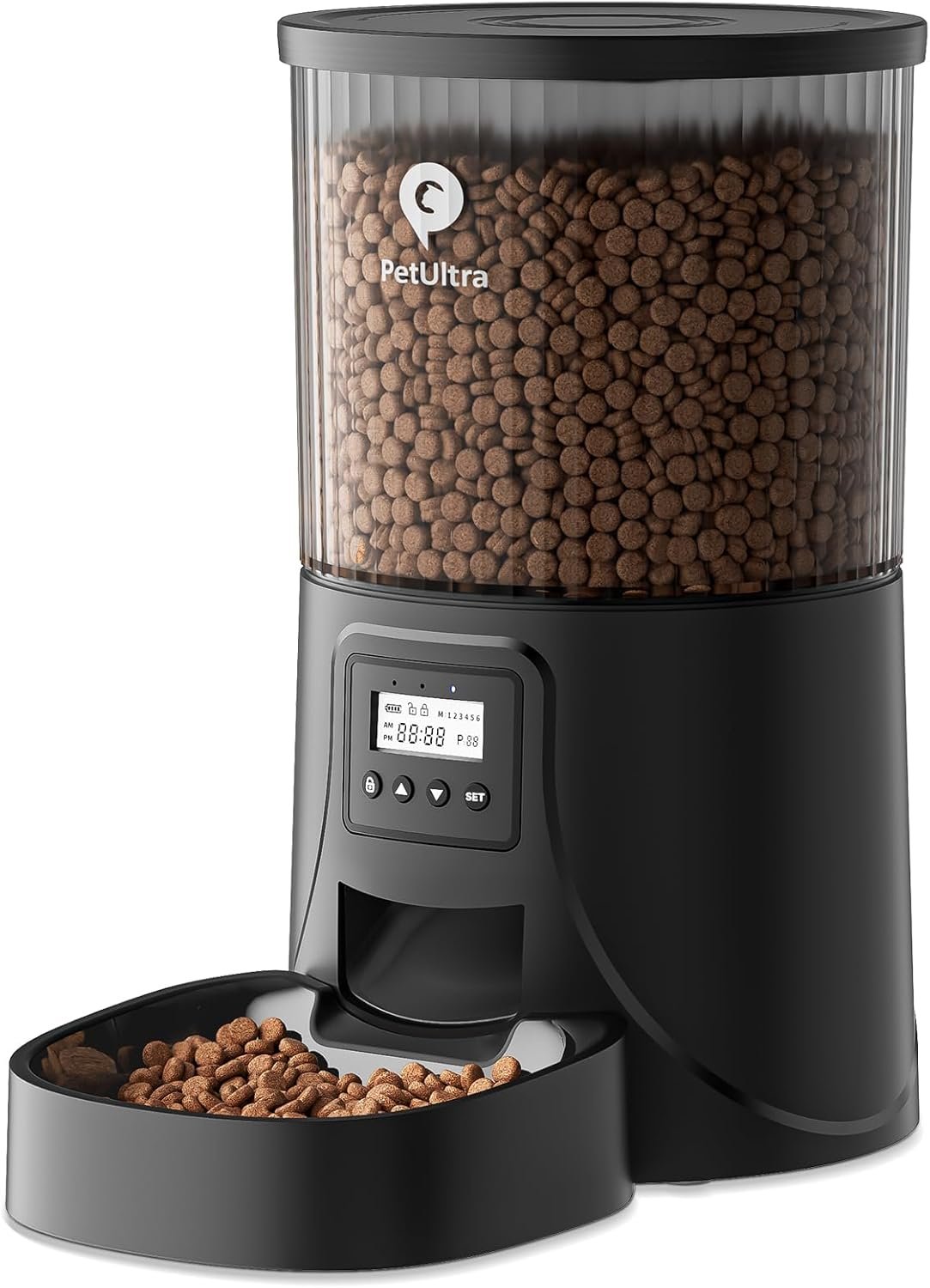
Automatic Cat Feeder by PETULTRA
This automatic cat feeder is designed to provide your pet with a convenient and reliable feeding experience. With its advanced features and user-friendly interface, it’s the perfect solution for busy pet owners who want to ensure their cats are fed on time.
Features
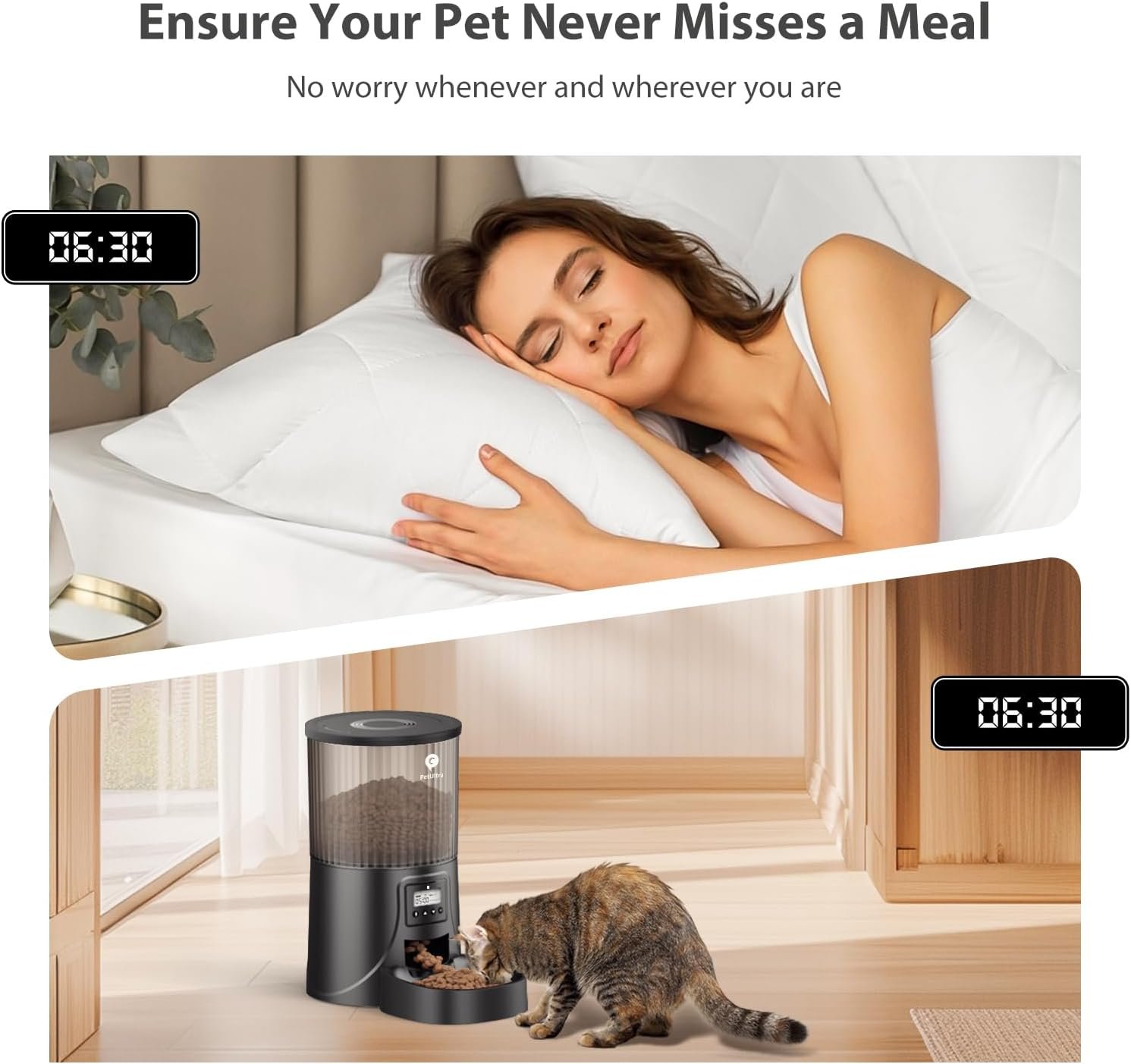
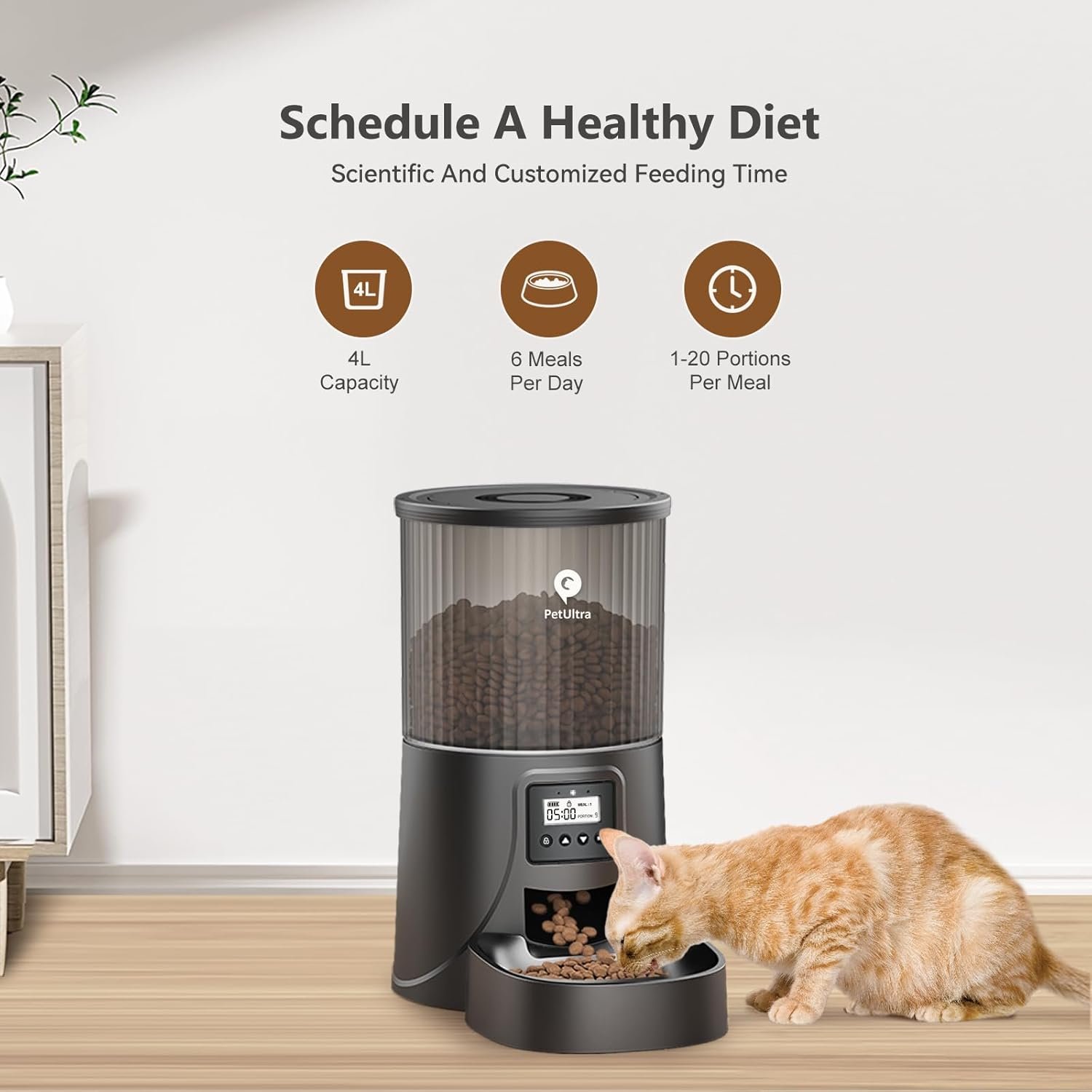
- Timer Programmable: Dispenses food precisely at the scheduled time with no delays, allowing up to 6 meals daily and up to 20 portions per meal.
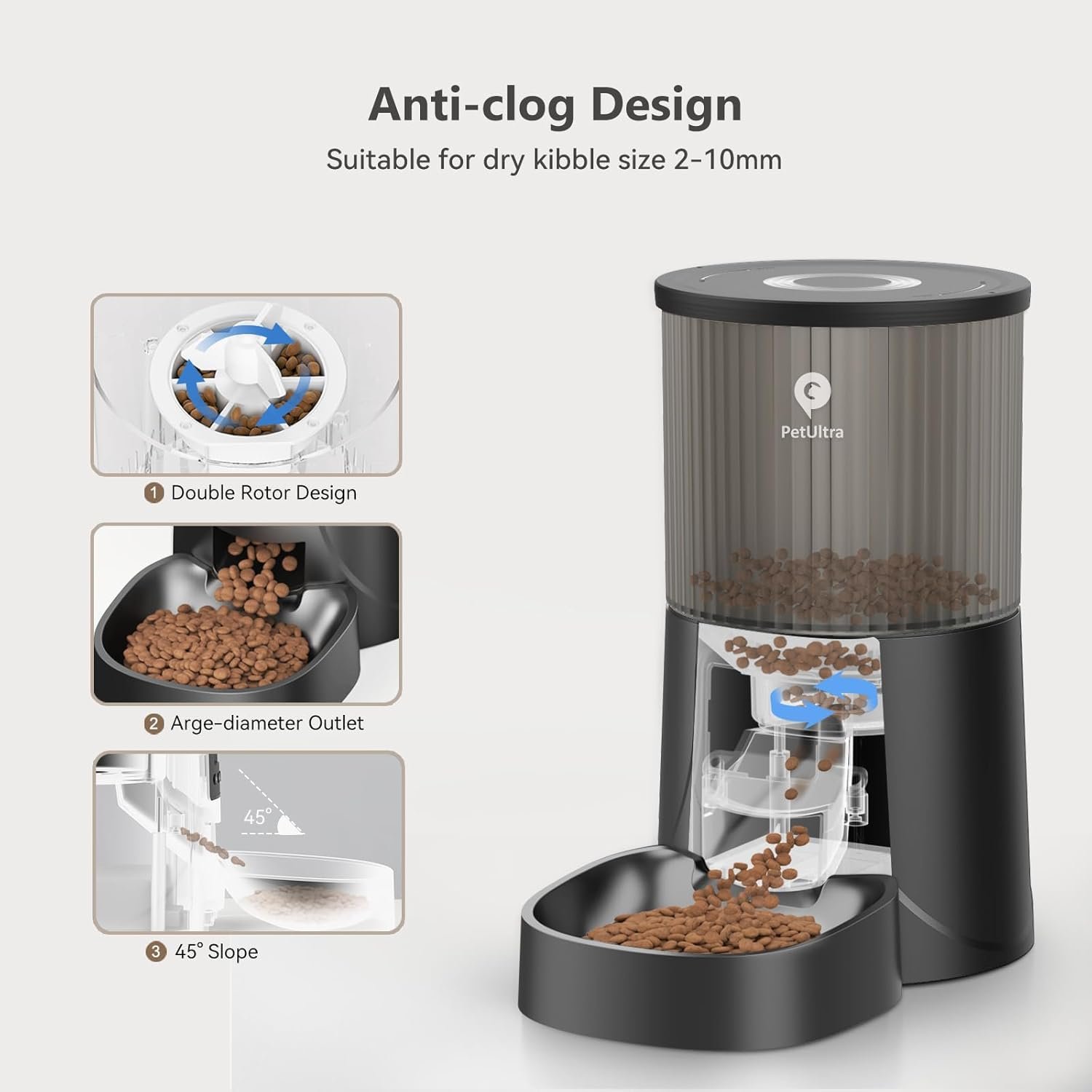
- Anti-Clogging Design: Double rotor design ensures even food distribution, with a wide-angle and 40-degree slope to speed up grain flow.
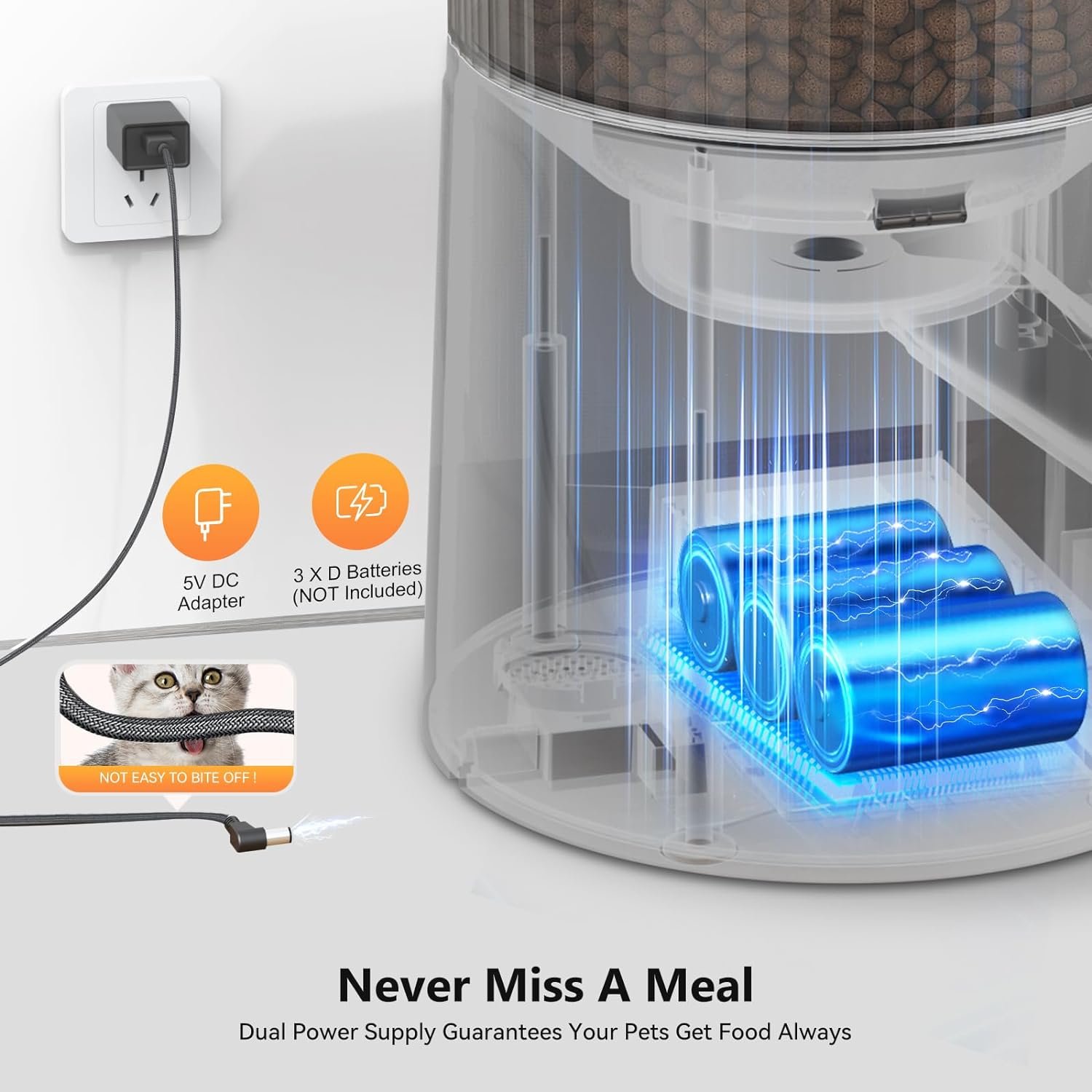
- Dual Power Mode: Powered by either a power adapter or 3xD-size batteries (not included), ensuring your pets are fed even during power outages.
- Safe and Reliable Feeder: Desiccant bag and secure lock lid keep food fresh and prevent pets from accessing stored food.
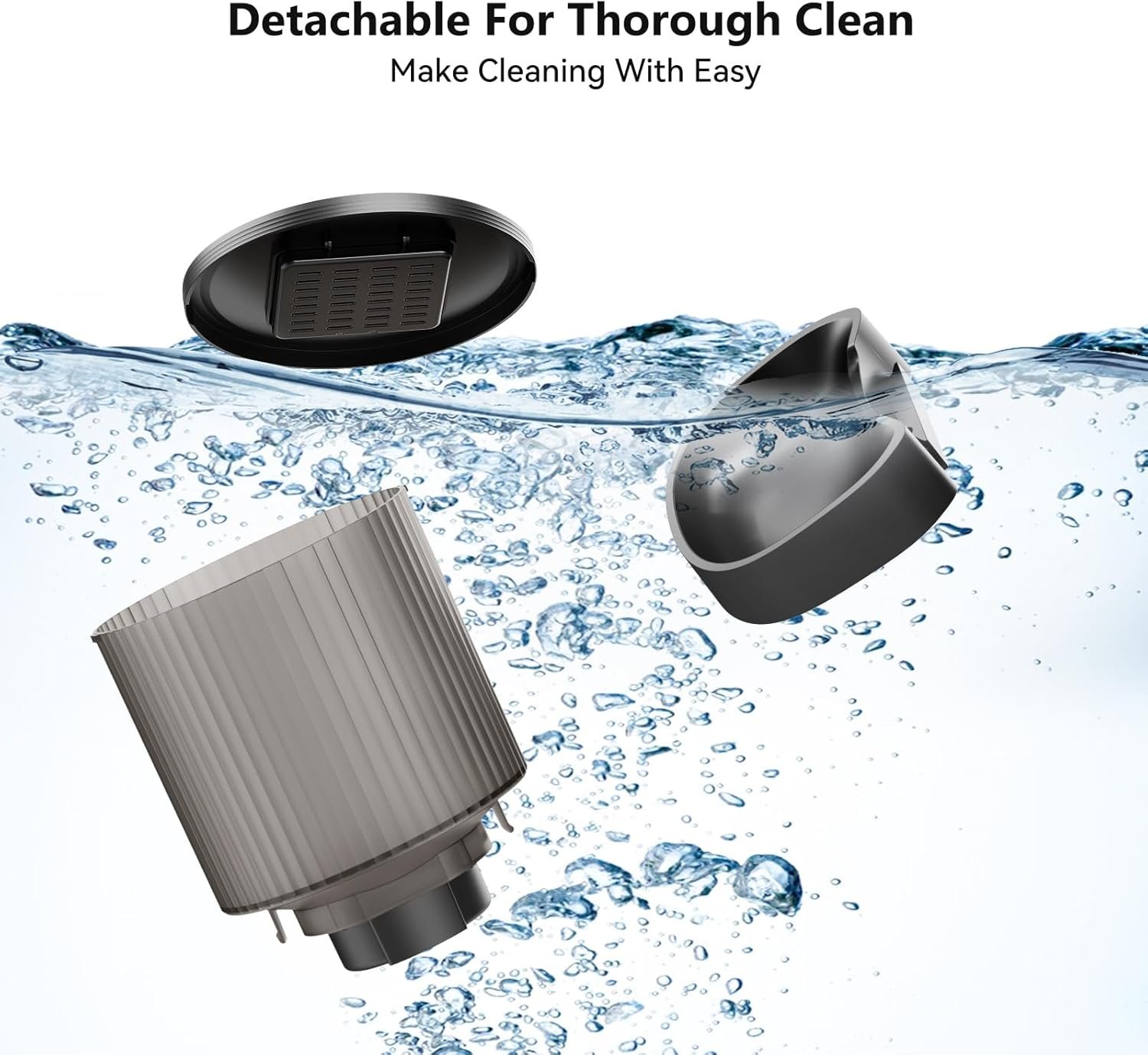
- Easy to Clean: Fully detachable design for hassle-free cleaning, ensuring your pet enjoys fresh, hygienic meals.
Pros
- Customizable feeding frequency based on your pet’s habits.
- Large 4L capacity, equivalent to 16 cups or approximately 1 cup = 16 portions = 1tbsp = 6g.
- Removable and cleanable design for easy maintenance.
- Dual power supply ensures uninterrupted operation.
- Secure lock lid prevents pets from accessing stored food.
Cons
- Batteries not included.
- May require some assembly and disassembly for cleaning.
- Recommended for dry kibble sizes between 0.07 to 0.4 inches.
Product Details
Product Dimensions: 13.58 x 7.6 x 7.6 inches; 3.59 Pounds
Item model number: DU4LB-KY
Date First Available: October 24, 2022
Manufacturer: PETULTRA
ASIN: B0BK8XVHFS
Best Sellers Rank: #4,169 in Pet Supplies, #16 in Automatic Cat Feeders
Customer Reviews: 4.4 out of 5 stars (2,255)
Setting Up the Scheduled Feeding
To set up the scheduled feeding, follow these steps:
- Press and hold the “Lock” button for 3 seconds, then press the “Set” button. The MEAL icon will start blinking.
- Set the number of meals per day by pressing the UP and DOWN buttons to choose 1-6 meals per day, then press the SET button to save.
- When the time icon 0000 is flashing, press the UP and DOWN buttons to set the feeding hour/minute/portion for the first meal.
- Set the 2nd/3rd/4th/5th/6th meal in the same way.
Manual Feeding
To manual feed, follow these steps:
- Press and hold the “Lock” button for 3 seconds to unlock the screen.
- In unlocked mode, press both UP and DOWN buttons together to manual dispense 1 portion.
- Note: Manual feeding does not affect the scheduled feeding.
Resetting All Settings
To reset all settings, follow these steps:
- Press and hold the “Lock” button for 3 seconds to unlock the screen.
- Press and hold the UP button for 5 seconds to reset all settings (time, feeding plan, and number of meals per meal, recording).
- Hear “didi” to indicate that the clear recording is complete.




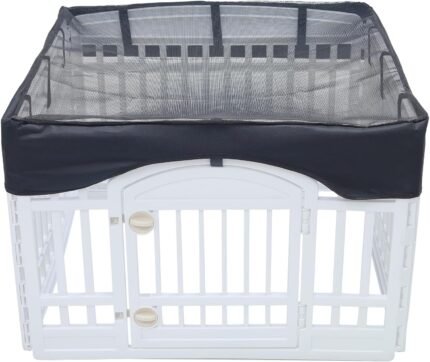
![Dog Playpen Mesh Top Cover,[Playpen Not Included !!!] Fits 36″ Inch Pet Playpen with 4 Panels,Dog Cage Covers Puppy Playpen Cover,Indoor/Outdoor Use,Easy to fold for Portability,](https://m.media-amazon.com/images/I/71rlrC7ShTL._AC_SL1500_.jpg "Dog Playpen Mesh Top Cover,[Playpen Not Included !!!] Fits 36″ Inch Pet Playpen with 4 Panels,Dog Cage Covers Puppy Playpen Cover,Indoor/Outdoor Use,Easy to fold for Portability,")






Reviews
Clear filtersThere are no reviews yet.